Creative coding
Draw with rules, then change them
Neural Drift
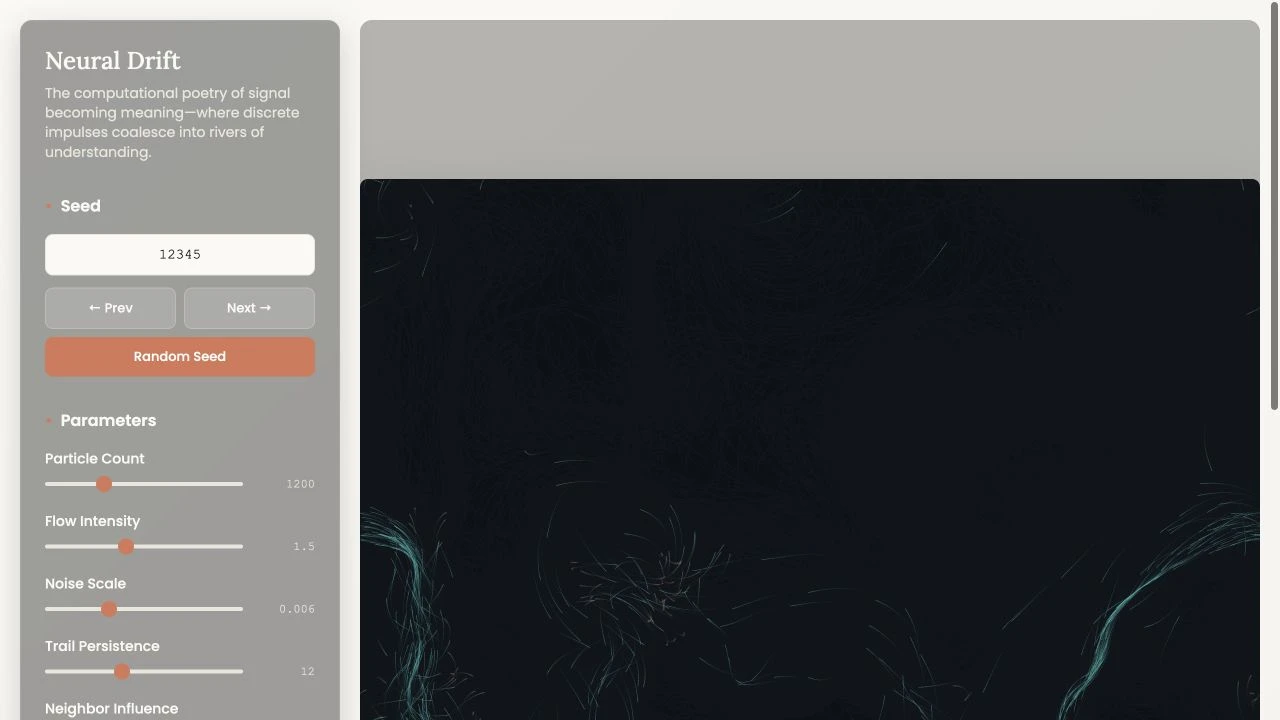
I built a procedural-art workspace in p5.js with controls for particle flow, color, and trails. Numbered seeds let you revisit a starting point and try another direction.
- Contribution
- Interaction design and creative development
Facts
- My work
- Personal creative-coding project and interactive control design
- Built with
- JavaScript, p5.js, HTML, and CSS
- Technique
- Layered noise fields and local particle alignment
The controls are part of the artwork
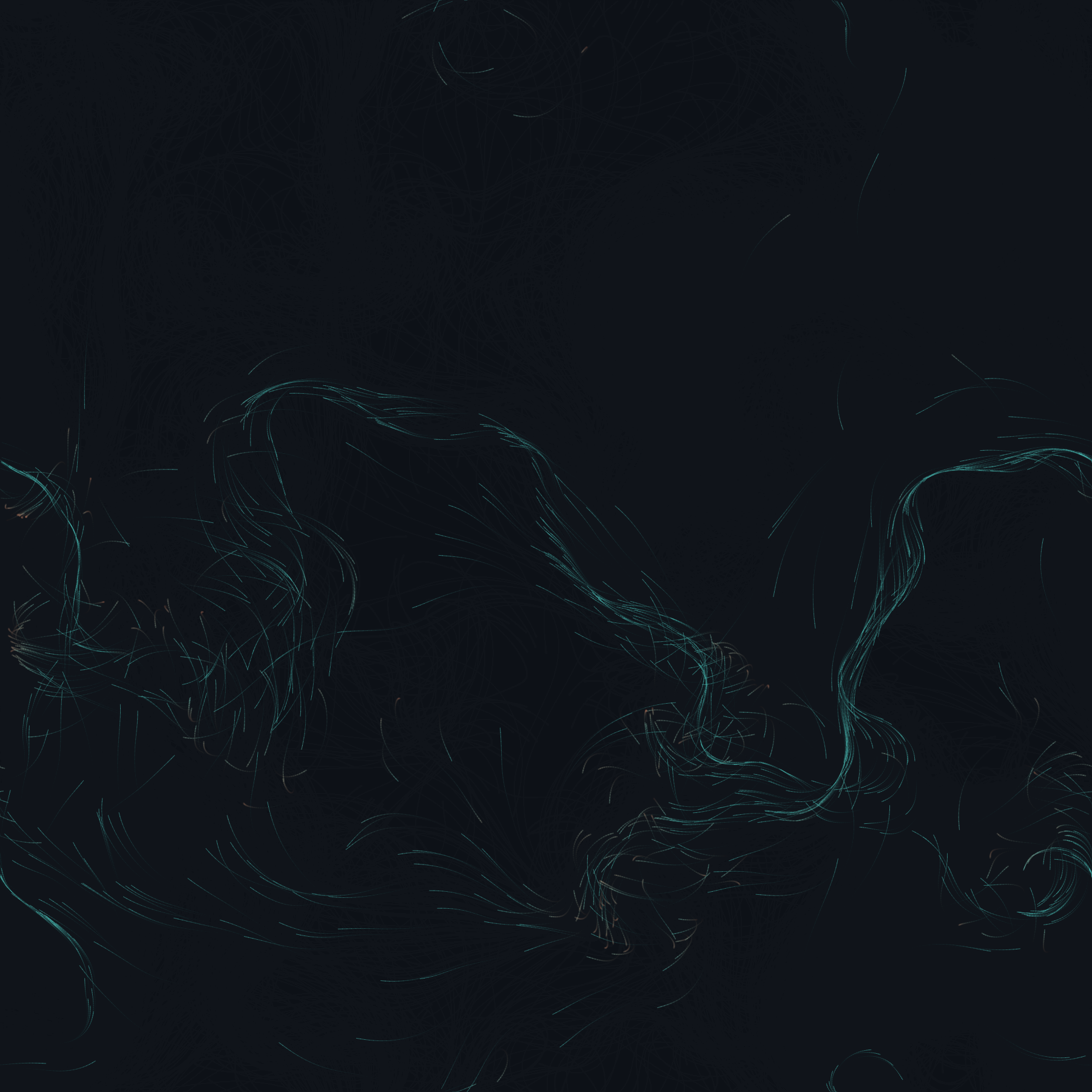
Neural Drift starts with particles moving through a changing flow field. Their paths form an image over time. I made the rules adjustable so the experience is something to explore while it runs.
Particle count changes the density. Flow intensity and noise scale change the movement. Trail persistence controls how much of the previous motion remains visible. Each control keeps its numerical value beside it, connecting the setting to what appears on screen.
Explore without losing your starting point
A random result is easy to find and easy to lose. The seed field gives the experiment a reference point. Previous and Next move through numbered seeds; Random Seed starts a different exploration.
The implementation seeds both the random positions and the noise field when it restarts the particles. Reset restores the original parameters. A seed identifies the starting conditions, while the animation continues to evolve frame by frame.
A starting point, then a moment worth keeping
Revisit the setup. Save the result.
A numbered seed lets me return to the starting conditions. A PNG keeps the frame I chose. Those are different promises, so the interface gives each its own control.
Give the motion a palette
Color, trails, and an export action
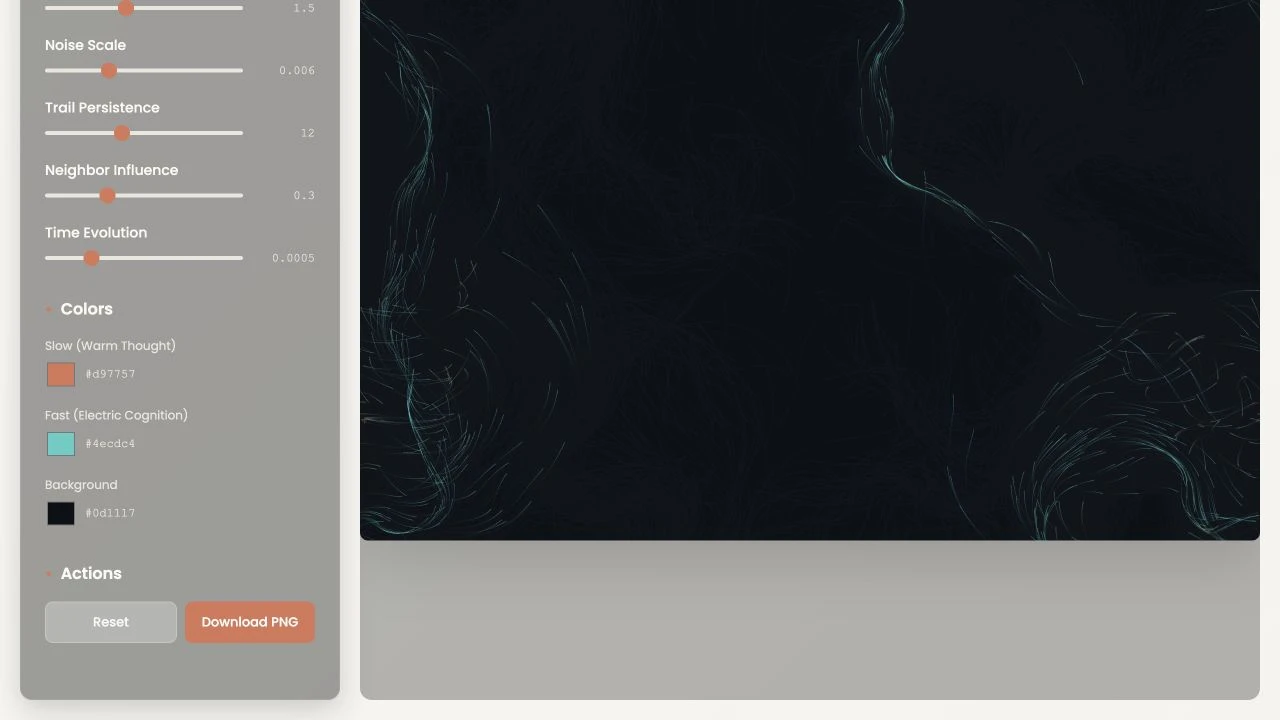
Particle speed determines the blend between two selected colors. A separate background control changes the field beneath them. Color becomes part of the behavior, rather than a filter applied after the image is made.
Underneath the interface, p5.js draws the particles. Layered Perlin noise guides the broader flow, while nearby particles influence one another. A spatial grid limits the neighbor search. This is procedural animation, not a trained neural network or a text-to-image service.
Results
- A browser-based artwork with adjustable motion, color, and starting conditions.
- A compact creative-coding project that connects visual exploration to numerical controls.
Evidence limit
Seed navigation, a keyboard adjustment to particle count, and Reset were inspected on 17 September 2026. PNG export was exercised in a local replay of source revision ce5c2f8a on 20 September 2026. The algorithm was reviewed in source. No performance benchmark or full accessibility audit is claimed.
Related work
Every point has a story
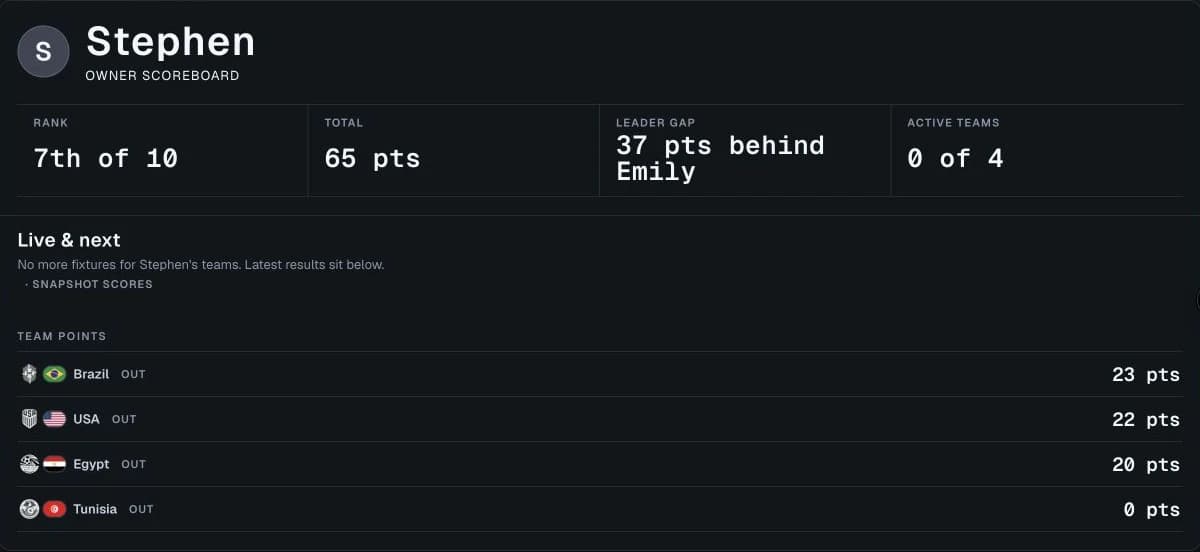
I built a family World Cup pool that explains who owns each team, how points add up, and who can still win. I directed product, design, and development with three coding agents.
- Interaction design
- Data integration
- React and TypeScript
College football, beyond the scoreboard
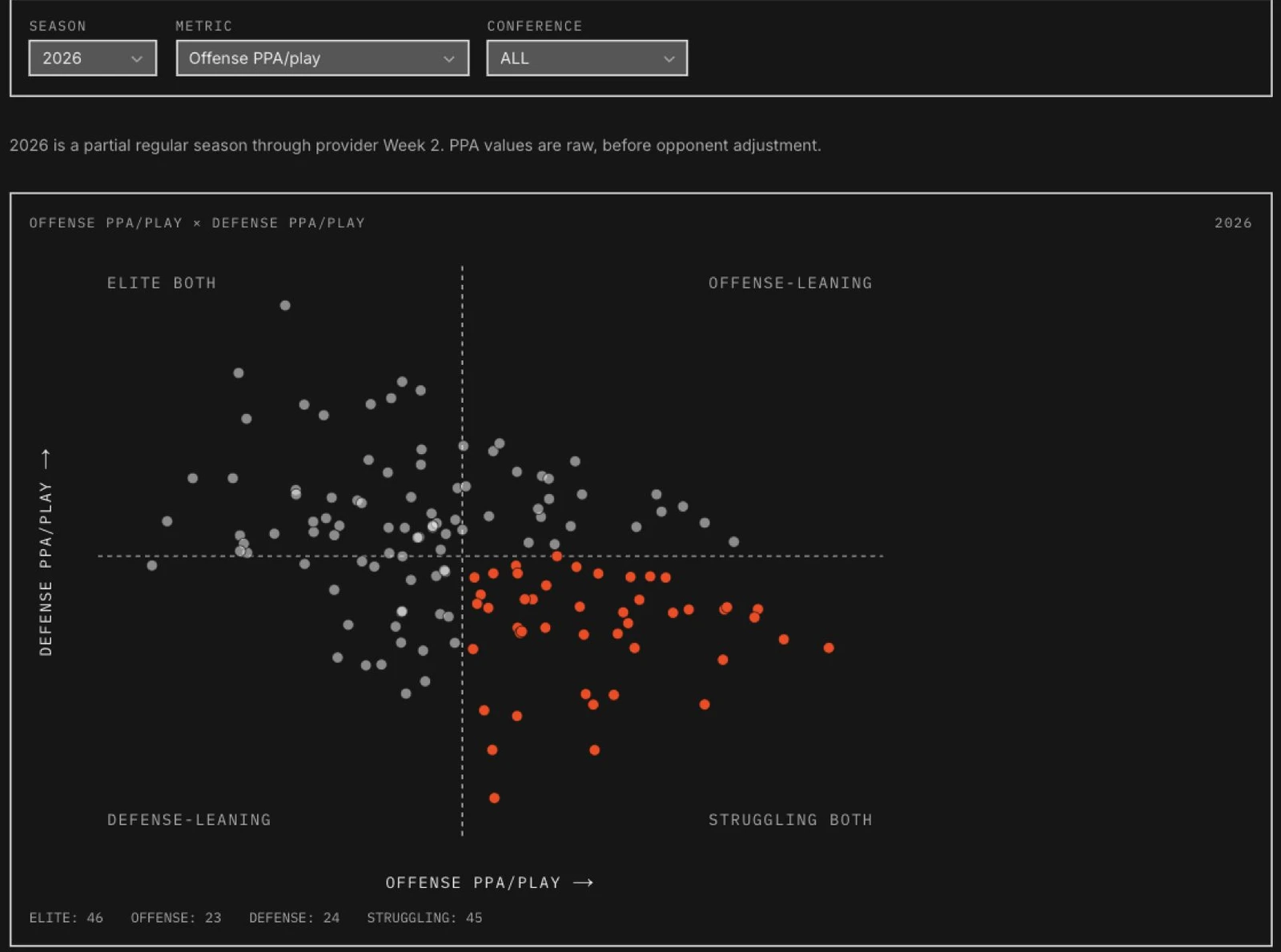
I built CFB Model Lab to explore why my predictions disagreed with betting lines. It brings Python modeling and college football research into a product I can use each week.
- Product design
- Interactive data visualization
- Design engineering
- Python and React